

At the recent Google for Education Champions Energizer in New York City, over 100 educators including Google for Education teachers and Instructional Coaches gathered to explore innovative approaches to educational technology. This intensive hands-on workshop focused on leveraging digital tools to enhance both teacher productivity and student outcomes.
The morning session highlighted Google for Education’s latest developments, particularly the sophisticated integration between Google Gemini AI and Google Classroom. This powerful combination promises to transform how educators manage assignments and provide personalized learning experiences through Google Forms.
A comprehensive product roadmap presentation revealed upcoming enhancements to Classroom, Docs, and NotebookLM. While specific details remain confidential, these developments will significantly impact classroom instruction when implemented this September.
The afternoon showcased practical applications, featuring presentations from six distinguished Google Innovators, Trainers, and Champions. Each demonstrated innovative implementations of Google for Education tools to maximize classroom engagement and efficiency.
Innovating Instruction through Digital Productivity
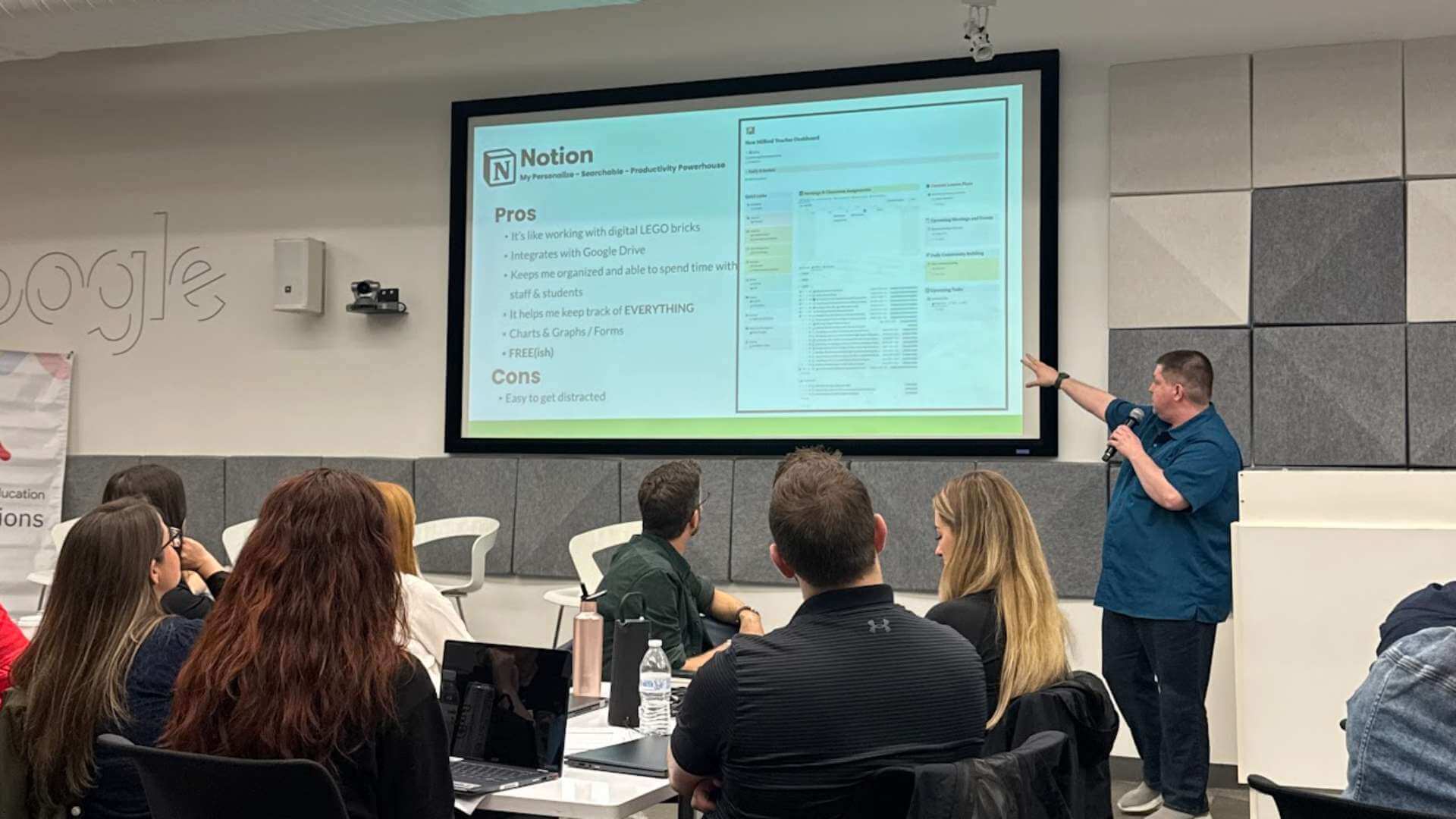
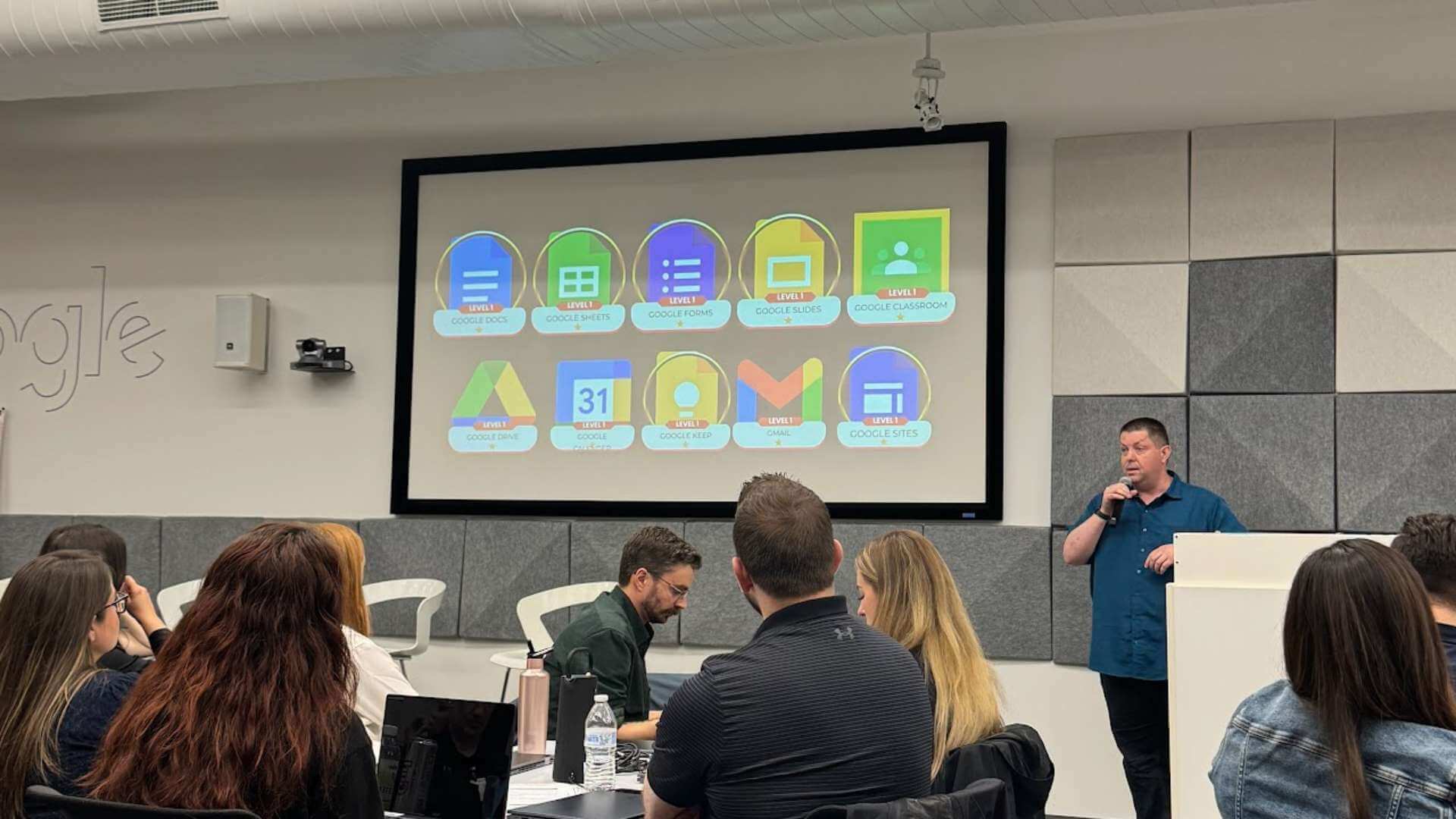
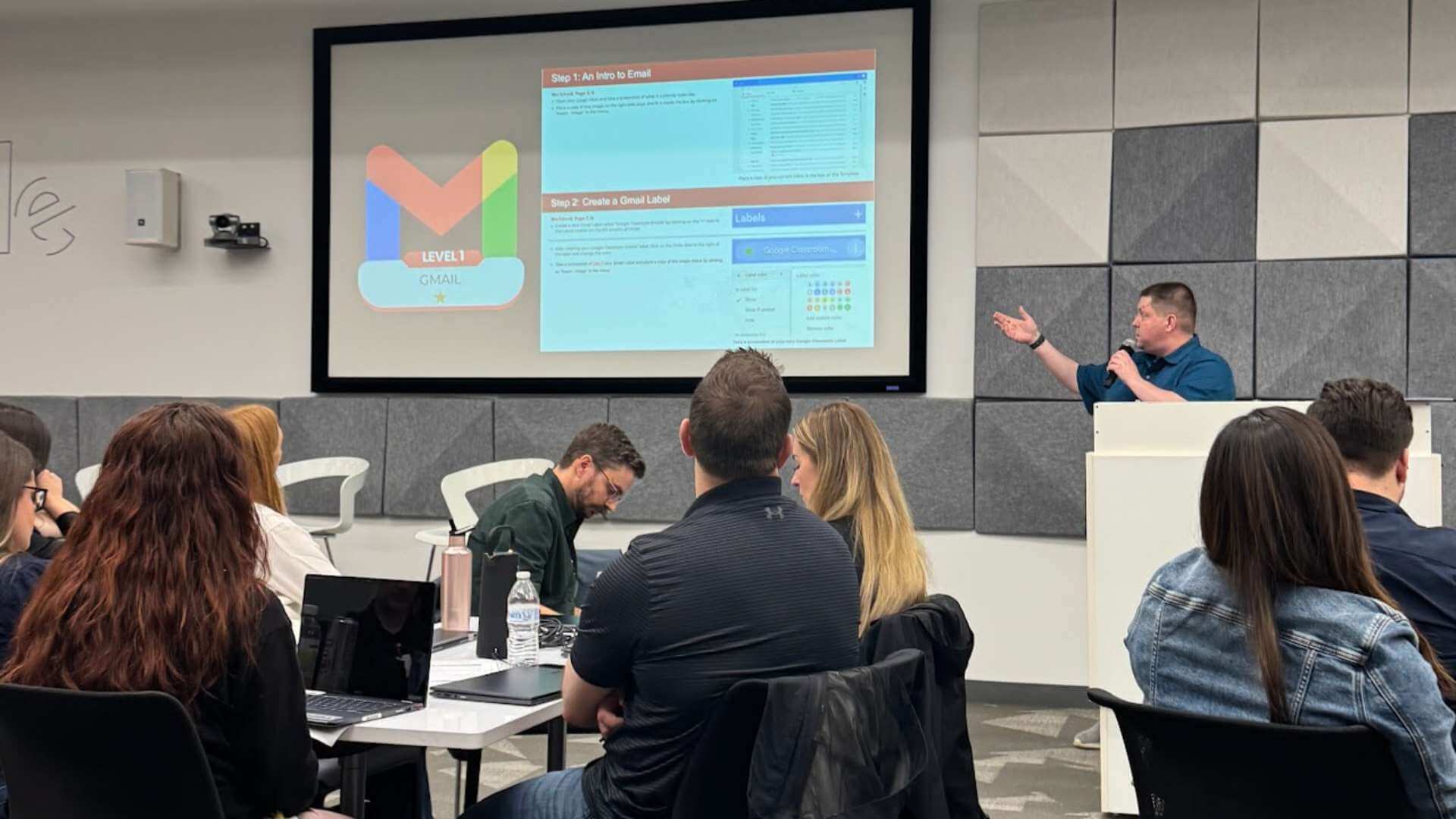
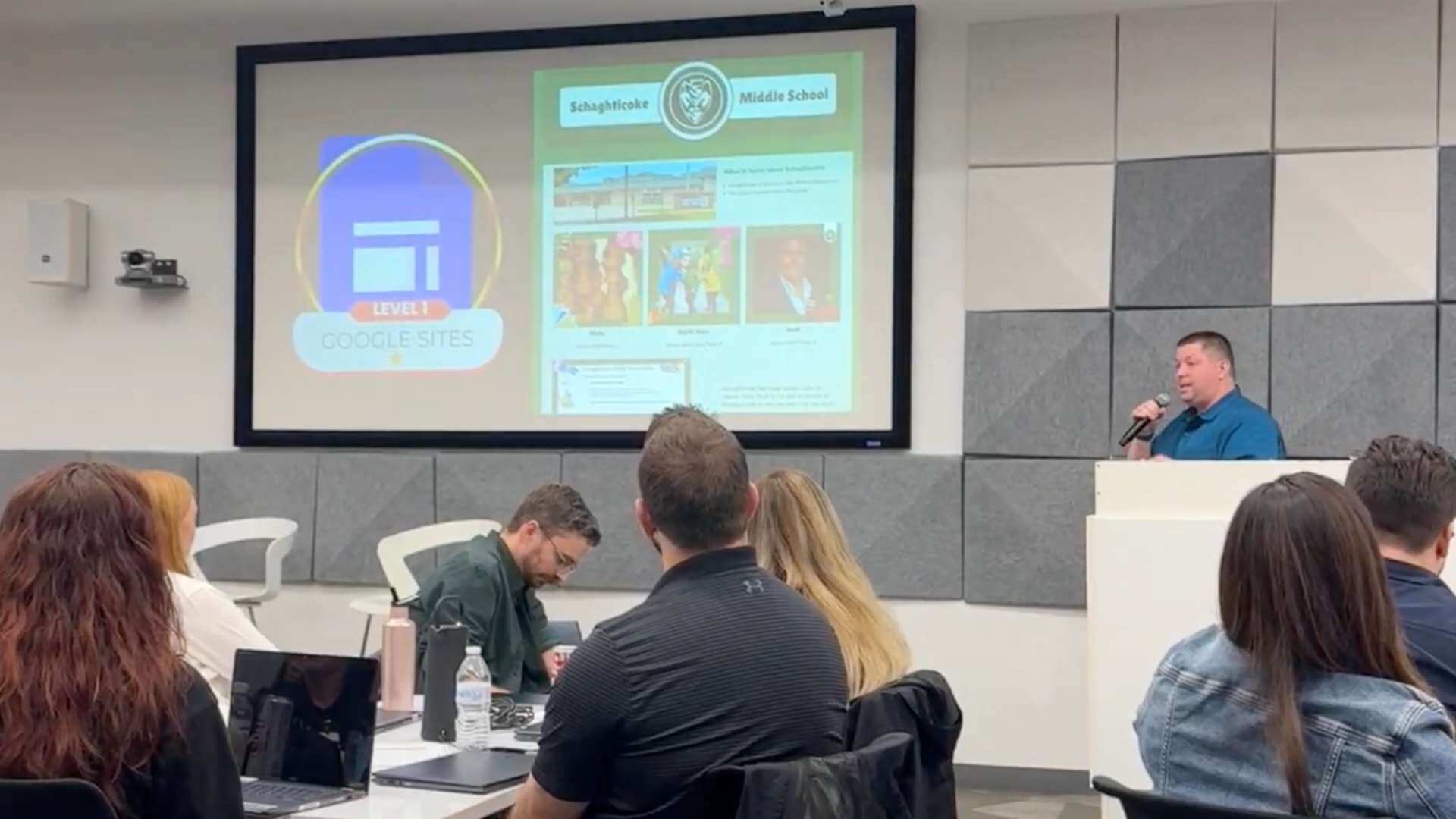
During my presentation, I demonstrated an integrated digital productivity system that combines Google Sites, Classroom, Gemini, and Notion. This comprehensive approach helps educators streamline their workflow, enabling more meaningful student interactions while maintaining an organized digital environment. The system particularly emphasizes creating sustainable workflows that support both teacher efficiency and student success.

For more information about this presentation, please check out my blog post on TeacherCast.
What is in my Productivity Toolbox?
For the last two years as a Middle School Digital Media Teacher, I have leaned on digital tools such as Google Sites, Google Classroom, Google Gemini, and Notion to create and present my lessons to my students and the results have been outstanding.
- Google Sites – A Place for me to “put” my teaching materials for students, staff, and parents to access and learn from.
- Google Sites – A Place for me to “push” my lesson activities to students that helps me keep my Google Calendar and Drive organized.
- Notion – A dynamic and productivity tool that allows me to keep everything in one place.
- Google Gemini – My personal Instructional Coach who helps me plan, build lessons, and when prompted come up with some silly “dad jokes” to share with the kids on long school days.






What Do Results Look Like in the Classroom?
During my presentation, I was proud to share the results of building a dynamic productivity system for my classroom. At the beginning of the semester, my students are given a digital learning pre-test asking them about their knowledge of a number of Google Skills. At the end of the semester, they are given the same test and scores are compared.

In the image above, I was sharing with the group the growth that my students have had this year and how much their knowledge of digital learning applications and the practical uses has grown.
Become a Google Champion Today
If you are interested in attending events such as these, the best way to do so is to become a Google for Education Champion.
To become a Google Champion, educators need to meet specific requirements and follow these steps:
- First, obtain Google Level 1 and Level 2 certifications to show proficiency with Google’s educational tools.
- Join the Google for Education Champions Hub at googleforeducommunity.com to connect with other educators and access exclusive resources.
- Stay active in the community by participating in events like the Google for Education Champions Energizer and other professional development opportunities.
- Keep certifications current and complete the product acknowledgment update form as required.
For more details and to begin your journey as a Google Champion, visit the Google for Education Communities page.
One of my favorite topics to showcase at conferences such as these are the ways that digital learning tools can be used to save educators time to put them back in charge of their calendars and allow them the opportunities to spend more time at home with their families and less time at school after hours. If If you would like to learn more about how you can save yourself valuable time each week, please sign up for my newsletter below.
Join my Newsletter Today!
Stay updated on our latest podcasts and educational news articles by filling out our contact form below.
Discover more from Jeffrey D. Bradbury
Subscribe to get the latest posts sent to your email.


